
Everything TasksDojo can do
Every feature is included and free. Scan the practice you care about and find the tools that fit how you work.

Capture everything, plan today with confidence
Organize all you need to do, then work from one clear Today view.
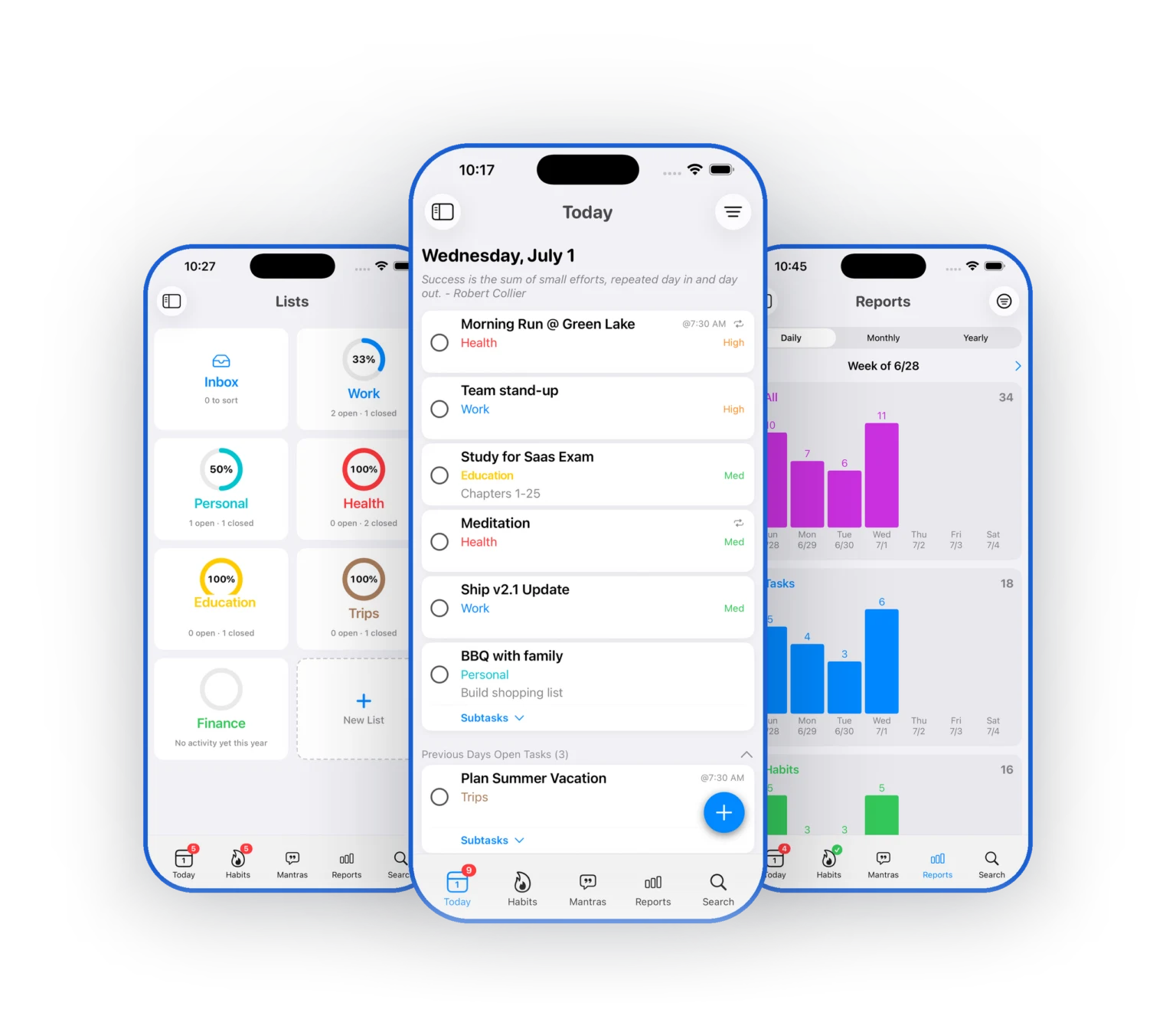
Unlimited tasks and subtasks
Capture everything, then break big tasks into checklists of smaller steps.
Today-focused planning
One clear view of what needs attention now, with overdue and upcoming still visible.
Lists for every area of life
Each List has a name, icon, and color, and a pinned Inbox holds unfiled tasks.
Inline #hashtag tags
Type a #hashtag in a task name and filter by tag everywhere in the app.
Color-coded priorities
None, Low, Medium, High, or Critical, visible at a glance in every list.
Quick bulk editing
Select multiple tasks and set Date, List, or Priority for all of them at once.
Recurring and flexible scheduling
Daily, Weekly, Monthly, or Yearly patterns, with single-occurrence or whole-series edits.
Reminders and notifications
Up to two reminders per task, using presets or a custom date and time.
Attachments and audio memos
Attach photos and files, and record audio memos with on-device transcription.
Routines that actually stick
Flexible habit tracking designed for everyday life.
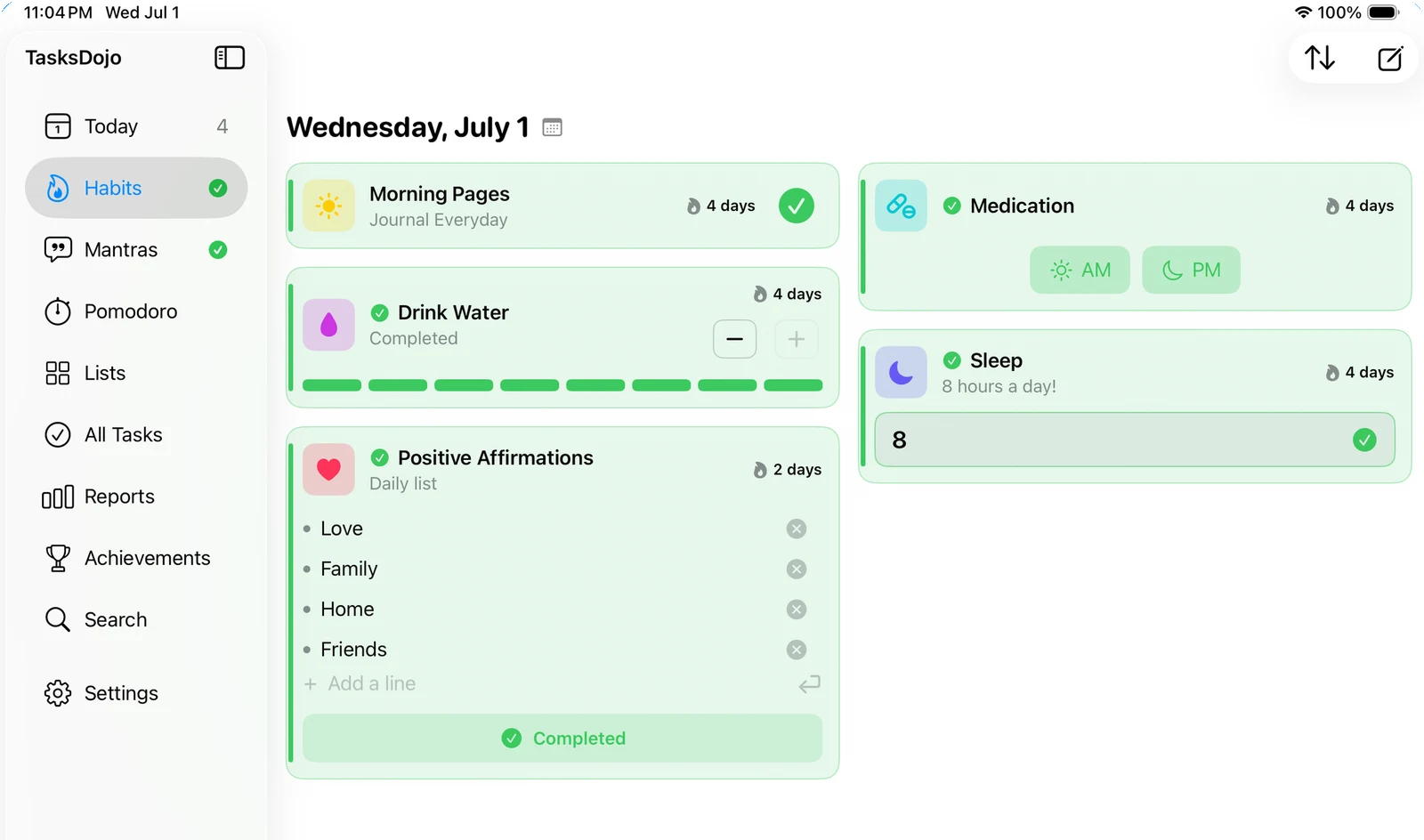
Five flexible types
Simple, Segment, Count, List, and Measure, so every routine fits the way you actually live.
Streaks and trends
A streak flame that turns orange at seven days, plus seven-day trend charts.
Log any day
Log any past day so your record stays accurate, even when you catch up later.
One thing at a time
A built-in Pomodoro timer keeps sessions intentional and linked to your work.
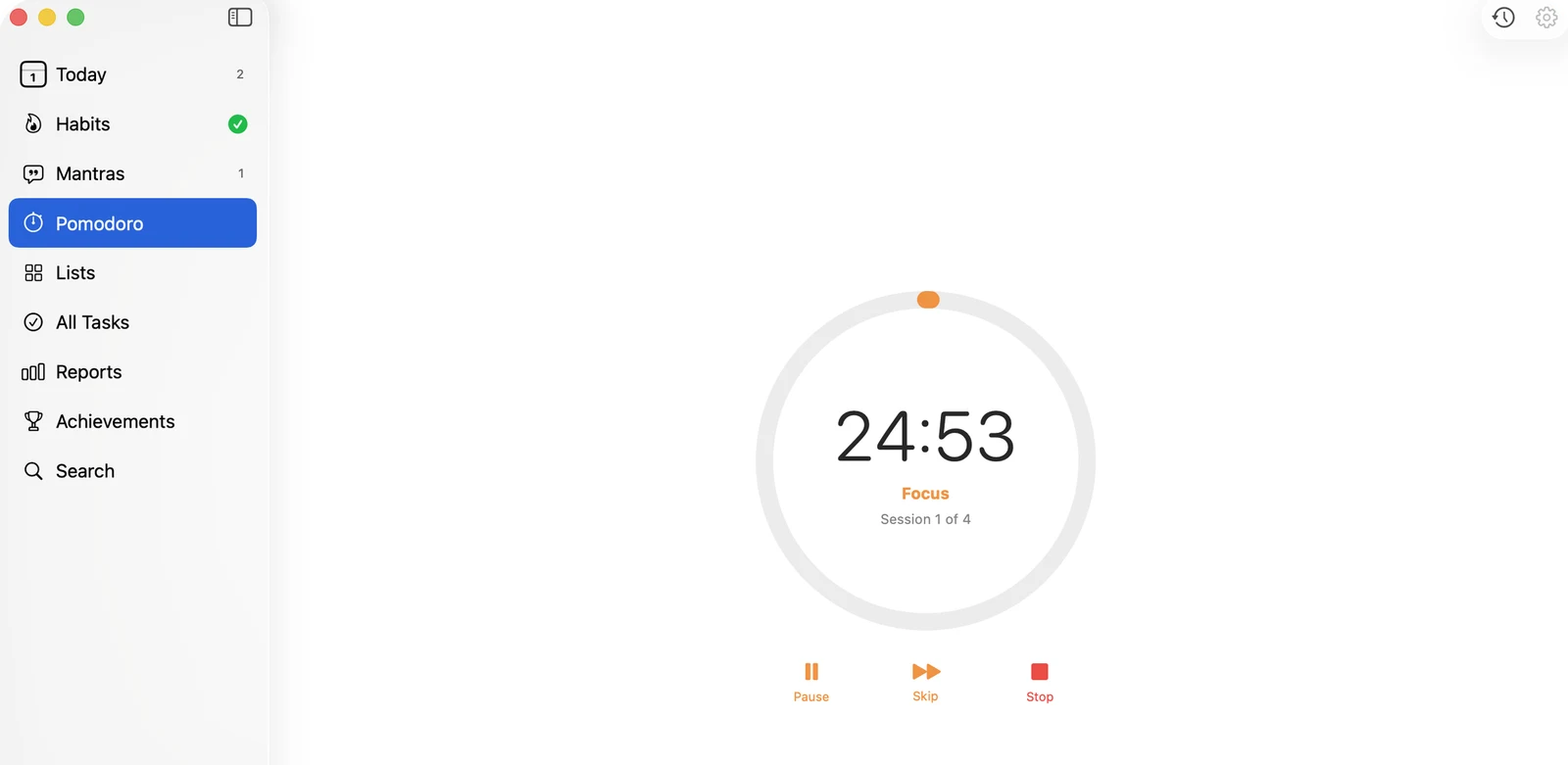
Configurable sessions
Focus and break durations are all adjustable, with four sessions per cycle by default.
Live Activity support
A Dynamic Island and Lock Screen countdown keeps your timer in view.
Task-linked focus
Link a session to a task and see exactly what you got done.
Session history
Review your focused time and per-task totals whenever you want.
Begin each day with clarity
The daily mindset practice that makes it a dojo and not just a task list.
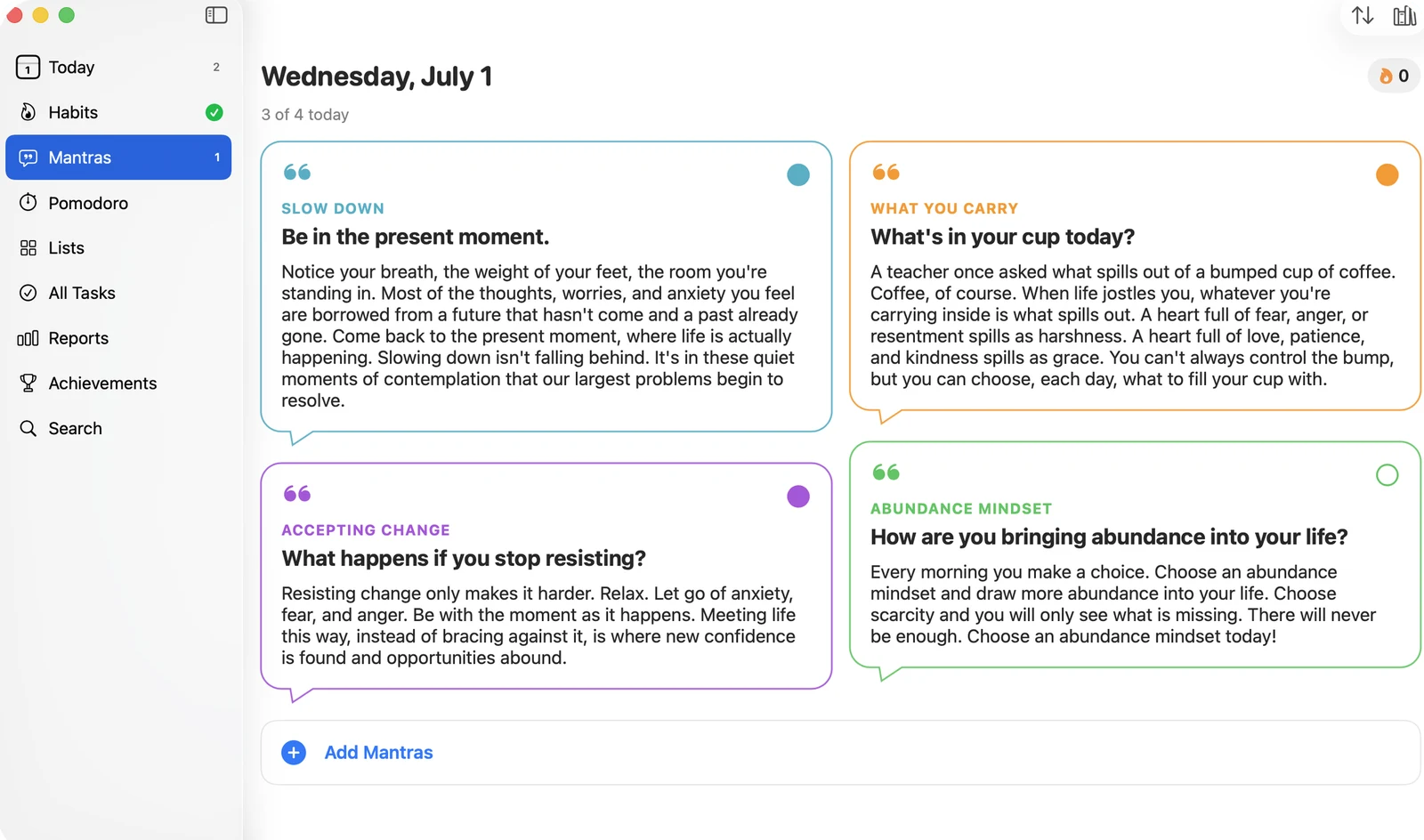
Library or your own words
Choose from a built-in library, or write your own with a label, title, and passage.
A daily practice
Practice resets each day and builds a streak that keeps you consistent.
Mindset that carries
Reinforce the values and mindset you want to bring into every day.
See your progress, make it yours
Understand what you actually completed, and shape the app around how you work.
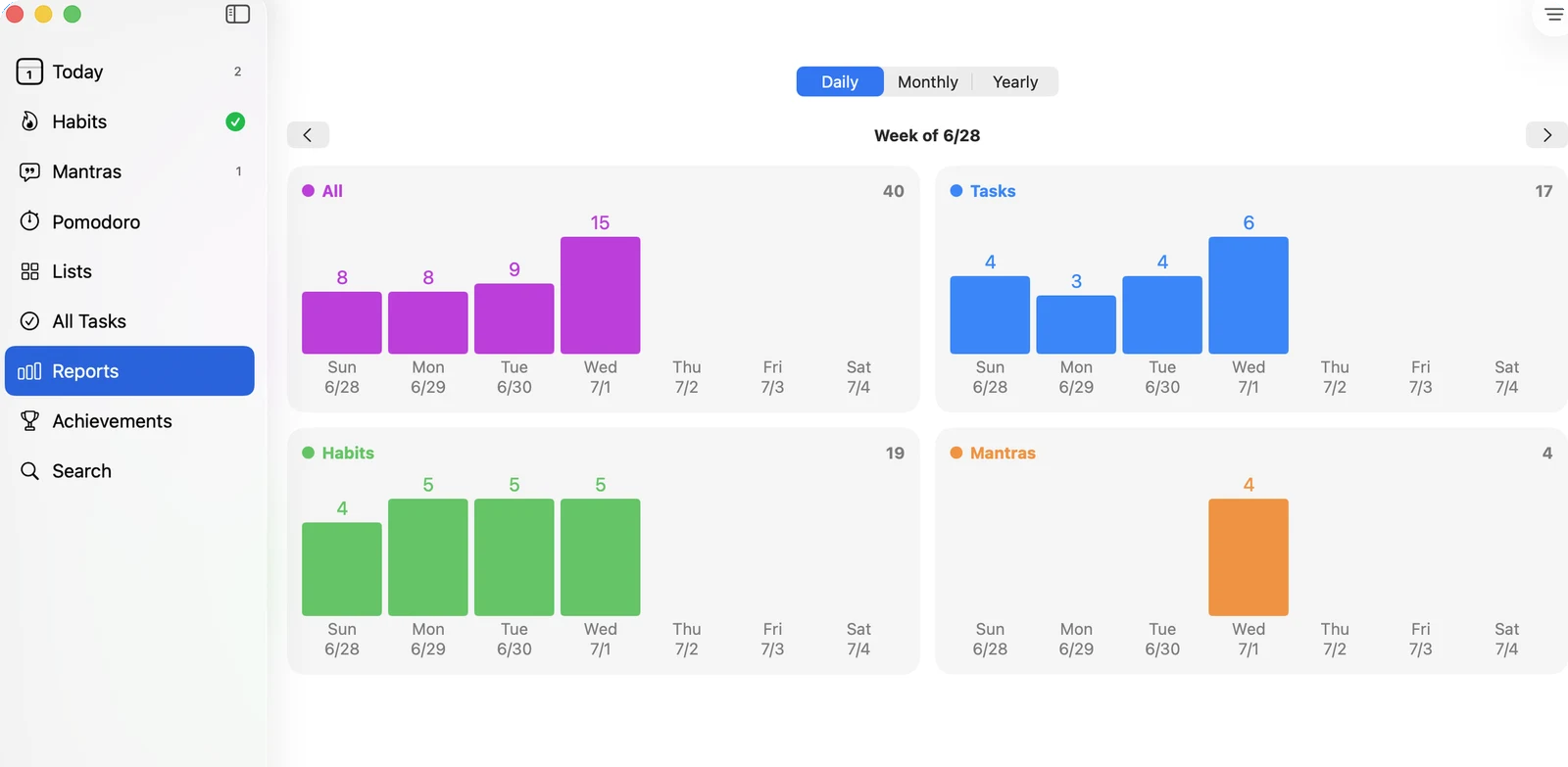
Reports
Daily, Monthly, and Yearly bar charts for Tasks, Habits, and Mantras, with List and Tag filters.
Search
Find tasks by name or notes, narrowed by status, recurring, List, and Tag filters.
Achievements
Flag a task as an achievement and collect them by year and month.
Light and Dark mode
Choose System, Light, or Dark under Settings.
Make it yours
Set defaults for new tasks, choose card styles, and configure your bottom-bar tabs.
Offline and iCloud sync
Works offline, then syncs through your own iCloud across iPhone, iPad, and Mac.
Completely free. Private by design.
Every feature included. Synced through your own iCloud, and your data is never sold or shared.